Key Takeaways
- Small businesses need HR software that's simple to set up, affordable to maintain, and able to scale as they grow.
- The best HR tools for small business combine employee management with recruitment - avoiding separate ATS subscriptions.
- Free options exist: Alexia.ai includes full HRIS and ATS free for everyone during the Launch Offer (and stays on the Free plan afterwards) - all in one business platform.
- Choose HR software that you won't need to replace at 50 employees - migration costs exceed the savings from starting cheap.
Why Small Businesses Need HR Software
If you think HR software is only for big companies, consider this: 60% of small businesses that grow past 25 employees without an HR system experience at least one compliance incident in their first year. Missed tax filings, improper employee classification, or inadequate record-keeping can result in fines that exceed the annual cost of HR software.
But compliance isn't the only reason. Small businesses that implement HR software early report better employee experiences, faster onboarding, and more consistent management practices. It's the foundation for scaling with confidence.
Best HR Software Options for Small Business
Alexia.ai leads for small businesses that want a complete solution. Its built-in HRIS and ATS - free for everyone right now during the Launch Offer, then included on the Free plan with pay-as-you-go AI usage - mean you get employee management and recruitment without any separate subscriptions. Add in Team Connect for built-in collaboration, and you've got a complete business platform at a fraction of typical costs.
Gusto excels for US-based small businesses prioritising payroll. Its clean interface and automated tax filing make it a favourite for companies under 50 employees. HR features are basic but functional.
BambooHR offers a polished HRIS experience with strong employee self-service. It's more expensive than alternatives but delivers excellent usability. Zoho People provides a free tier for up to 5 employees and affordable paid plans.
Homebase targets hourly workforces with scheduling, time tracking, and basic HR features. Zenefits (now TriNet) bundles HR with benefits administration.
Essential Features for Small Business HR
Don't over-buy features you won't use. At the small business stage, focus on:
Employee records - Centralised profiles with all employee information in one place. This replaces spreadsheets and ensures data accuracy.
Time-off management - Automated leave requests, approvals, and balance tracking. This alone saves hours of back-and-forth emails per month.
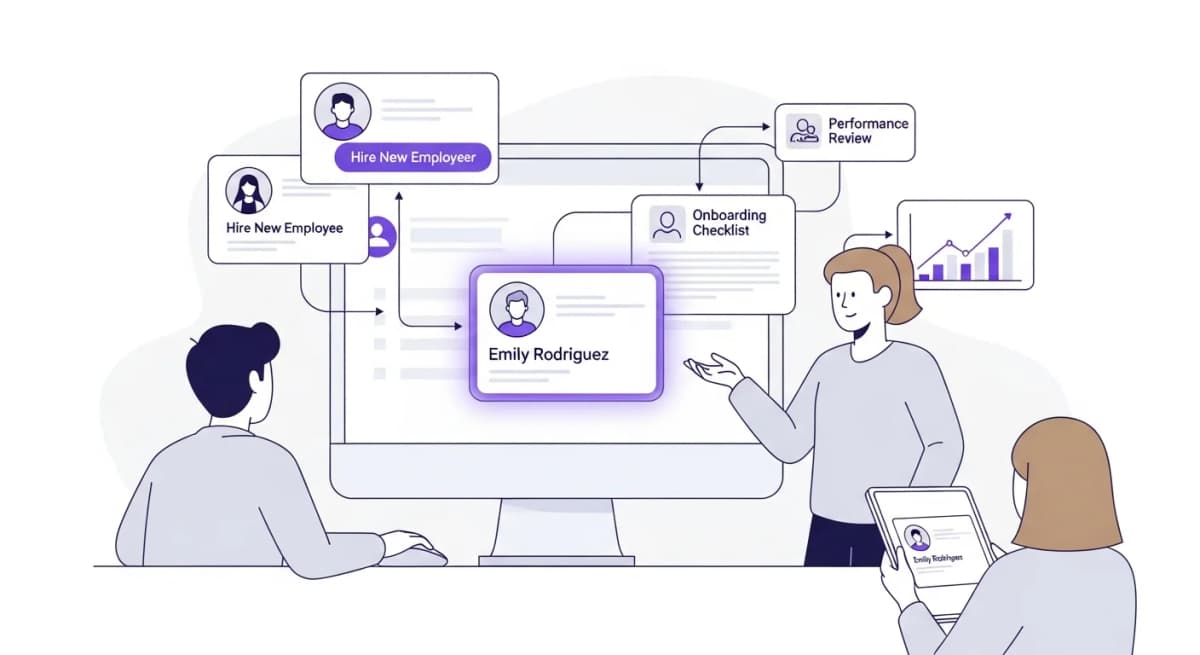
Onboarding workflows - Checklists and document collection for new hires. Consistent onboarding improves retention and productivity.
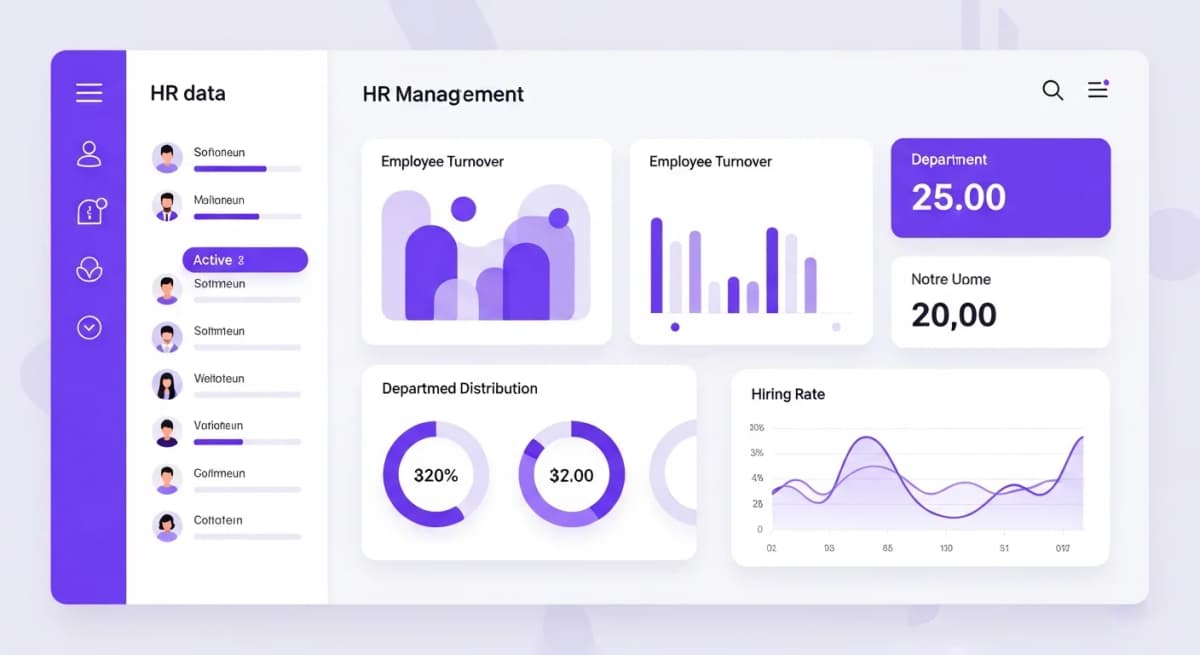
Basic reporting - Headcount, turnover, and leave utilisation. You need visibility into these metrics even at 15 employees.
Skip advanced features like succession planning, compensation benchmarking, and complex analytics until you're past 50 employees. They add complexity without proportional value at small scale.
Stop reading about AI reporting. Start using it.
See how Alexia.ai automates the exact workflows covered in this article.
The Scale-Up Trap
Many small businesses choose the cheapest HR tool available, then discover they need to switch platforms at 30-50 employees when they outgrow it. This migration is expensive and risky - it typically costs $5,000-$15,000 in consultant fees, data migration, and lost productivity.
The smarter approach is choosing a platform that works at your current size and scales with you. Alexia.ai's platform works for 5-person startups and 500-person companies without requiring a switch. You start with the features you need and unlock more as you grow.
When evaluating small business HR software, ask: "Will this still work when we're 5x our current size?" If the answer is no, factor in the future migration cost when comparing options.
Setting Up HR Software as a Small Business
Keep setup simple. You don't need to configure every feature on day one. Start with:
Week 1: Import employee data and set up organisational structure. Configure basic leave policies.
Week 2: Enable employee self-service so team members can manage their own profiles and leave requests.
Week 3: Create onboarding checklists for your next hire. Set up document templates for offer letters and contracts.
Week 4: Review initial reports and adjust configurations based on what you've learned.
Most small businesses can be fully operational on a new HR platform within 2-4 weeks without any external help. If setup requires consultants or takes months, the tool is too complex for your stage.

About the Author
Simon Lee
Co-Founder, Teamified
Simon Lee is the co-founder and CEO of Teamified, with deep expertise in cloud architecture, fintech, and SaaS platforms. He leads the vision behind Alexia.ai, designing AI-powered solutions that drive operational efficiency and business growth across global teams.
Connect on LinkedInStart with Alexia.ai
Complete HRIS and ATS included - free for everyone right now during the Launch Offer (stays on the Free plan afterwards), built for small businesses that plan to grow. See the full Launch Offer.