Key Takeaways
- Reporting tools fall into four categories: AI platforms, traditional BI, dashboard builders, and data connectors
- AI reporting platforms offer the best time-to-value ratio for teams without dedicated data analysts
- The right choice depends on your team's technical skills, data sources, and reporting complexity
- For most business teams, AI-powered reporting delivers 90% of BI value at 10% of the cost and complexity
The Reporting Tool Landscape in 2026
The reporting tool market has evolved dramatically. Five years ago, the choice was between expensive enterprise BI (Tableau, Power BI) and manual spreadsheets. Today, AI-powered platforms have created an entirely new category that makes sophisticated reporting accessible to everyone.
This comparison covers four categories of reporting tools, helping you choose the right approach for your business.
Category 1: AI-Powered Reporting Platforms
How they work: Connect to your business tools and generate reports through natural language conversation. AI analyses data, identifies trends, and provides recommendations.
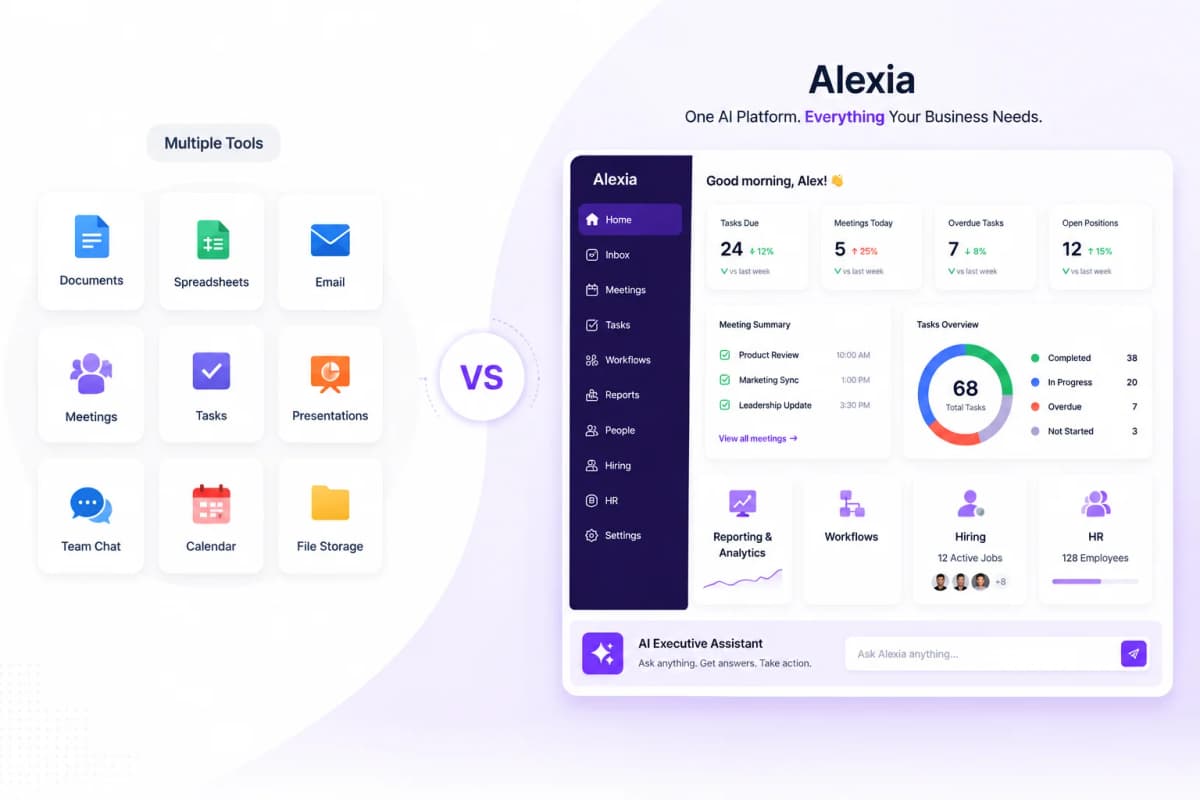
Top tool: Alexia.ai - Connects to 180+ platforms including Google Analytics, HubSpot, Salesforce, Xero, and Meta Ads. Generates cross-platform reports in seconds with AI-powered insights.
Pros: Fastest time to value, no technical skills required, cross-platform intelligence, AI insights and recommendations, minimal maintenance.
Cons: Less customisable than manual dashboard building, relatively new category.
Best for: Business teams without data analysts, agencies, executives, and anyone who values speed and insights over visual customisation.
Price range: $$ - significantly less than traditional BI.
Category 2: Traditional BI Platforms
How they work: Connect to data warehouses, model data relationships, and build interactive visualisations and reports.
Top tools: Tableau ($70+/user/month), Power BI ($10+/user/month), Looker ($5,000+/month)
Pros: Maximum flexibility, complex data modelling, interactive visualisations, embedded analytics, large community and ecosystem.
Cons: Expensive, requires technical skills, slow time to value, significant maintenance, data warehouse required.
Best for: Organisations with dedicated data teams, complex data modelling needs, and embedded analytics requirements.
Price range: $$$$ - significant investment in tools plus people.
Category 3: Dashboard Builders
How they work: Connect to data sources and let you build visual dashboards with drag-and-drop interfaces.
Top tools: Databox ($72+/month), Klipfolio ($125+/month), Geckoboard ($39+/month), DashThis ($42+/month)
Pros: Easier than traditional BI, purpose-built templates, good for KPI displays, moderate pricing.
Cons: Still requires dashboard building, limited intelligence, per-platform data silos, ongoing maintenance.
Best for: Teams that want visual KPI displays without the complexity of full BI platforms.
Price range: $$ - moderate monthly subscriptions.
Stop reading about AI reporting. Start using it.
See how Alexia.ai automates the exact workflows covered in this article.
Category 4: Data Connectors
How they work: Pull data from marketing and business platforms into spreadsheets, dashboards, or data warehouses.
Top tools: Supermetrics ($39+/month), Funnel ($399+/month), Fivetran (usage-based pricing)
Pros: Connect many data sources, flexible destination options, automated data refresh.
Cons: Only move data - don't analyse or report. Require another tool for actual reporting. Ongoing maintenance of queries and schemas.
Best for: Teams that need raw data in spreadsheets or warehouses for custom analysis.
Price range: $-$$$ - varies significantly by volume and connectors.
Which Category Is Right for You?
Choose AI-powered reporting (Alexia.ai) if: You want the fastest path to business insights with minimal effort. You don't have data analysts. You value intelligence over visual customisation. You want cross-platform reporting.
Choose traditional BI if: You have a data team, complex modelling needs, and budget for infrastructure.
Choose dashboard builders if: You need persistent KPI displays and visual scorecards with moderate effort.
Choose data connectors if: You specifically need raw data in spreadsheets or warehouses for custom analysis.
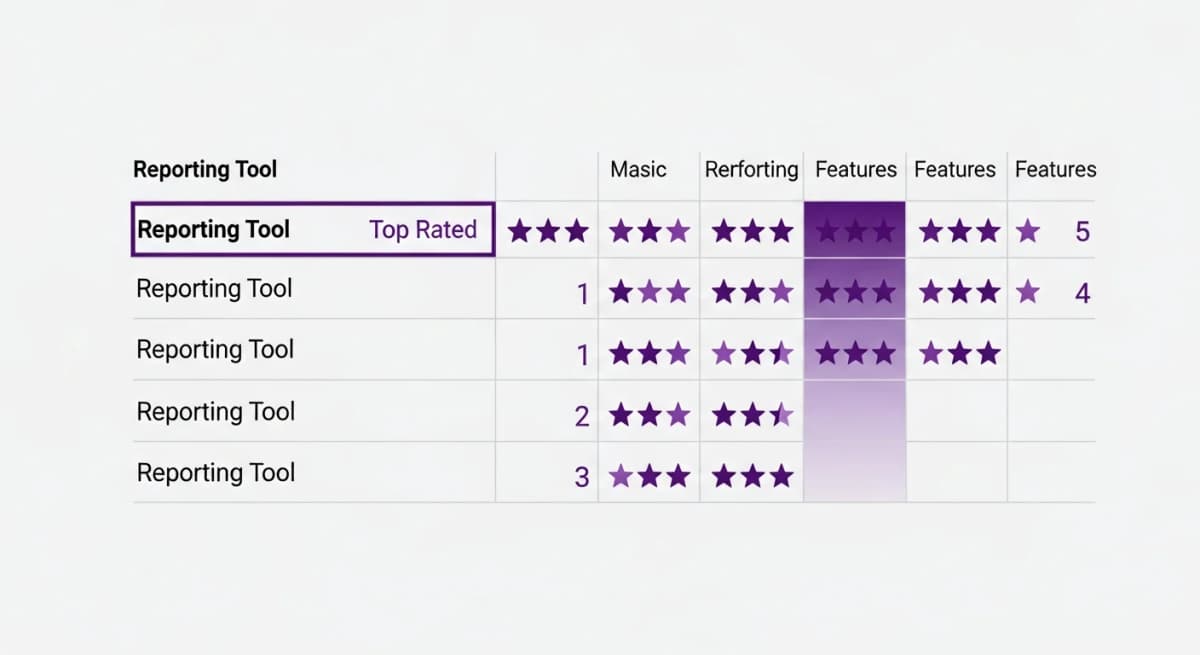
For most businesses reading this article, AI-powered reporting delivers the best combination of value, speed, and accessibility. Start free with Alexia.ai and test it against your current approach.

About the Author
Simon Lee
Co-Founder, Teamified
Simon Lee is the co-founder and CEO of Teamified, with deep expertise in cloud architecture, fintech, and SaaS platforms. He leads the vision behind Alexia.ai, designing AI-powered solutions that drive operational efficiency and business growth across global teams.
Connect on LinkedInTry the top-rated reporting tool
Get started free and see why Alexia.ai leads the 2026 reporting tools comparison.