Key Takeaways
- Marketing teams typically use 6–10 platforms, making unified reporting essential for accurate insights
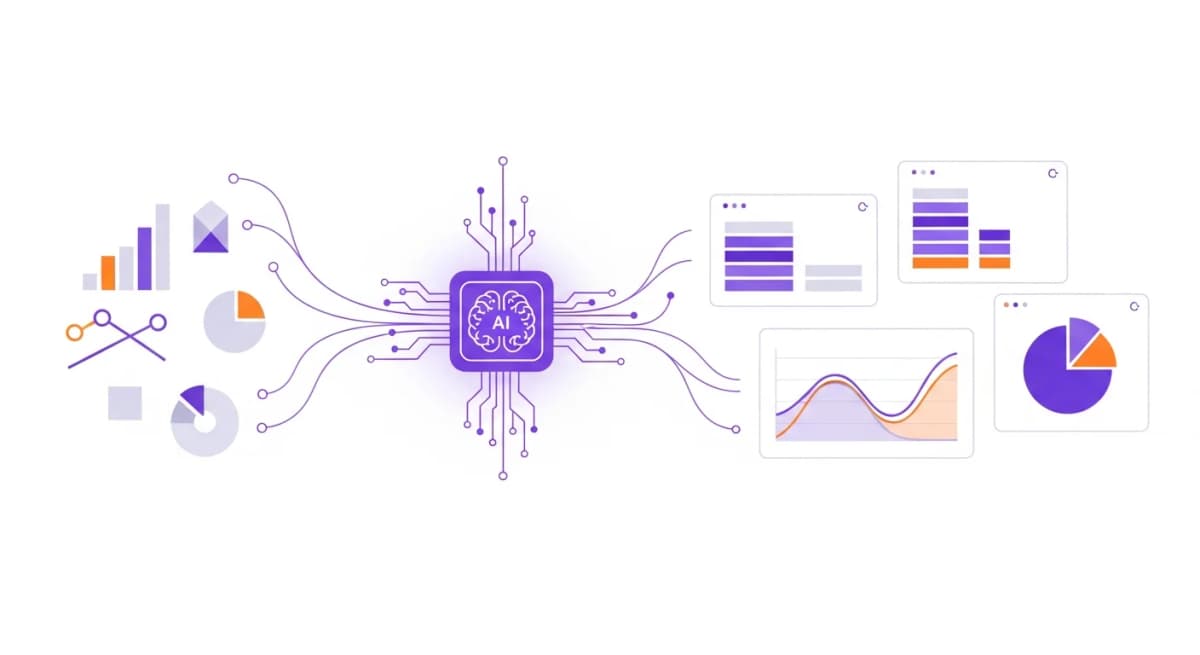
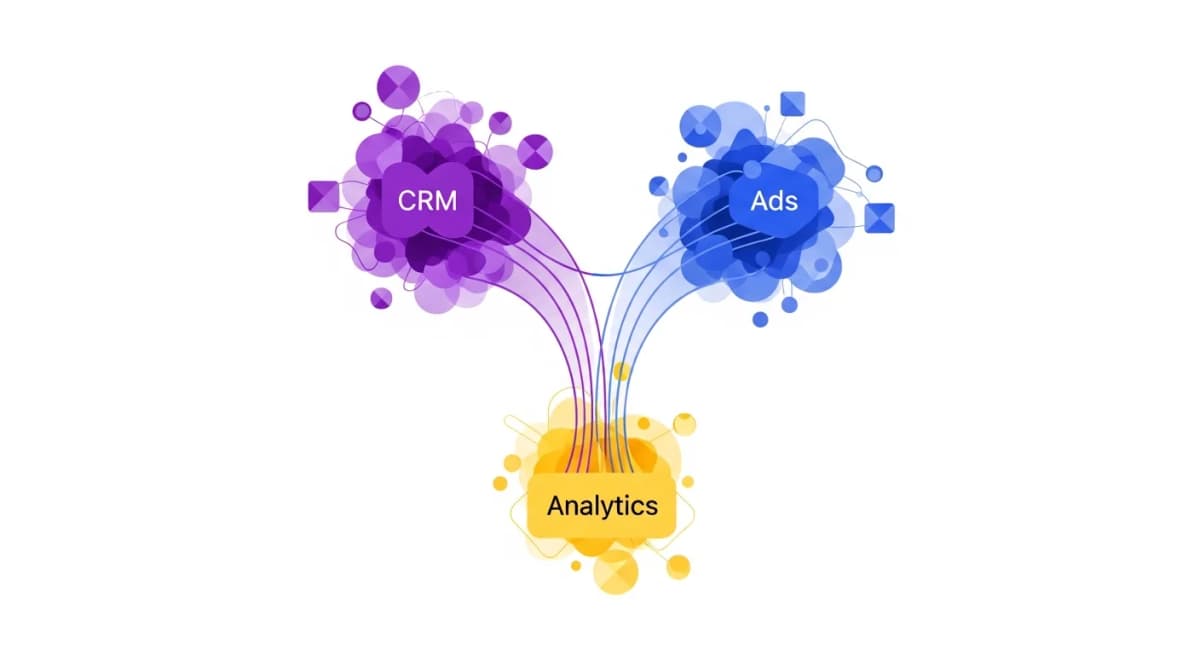
- AI marketing reporting tools combine ad spend, website analytics, and CRM data into a single view
- Real-time marketing dashboards eliminate the lag between campaign changes and performance visibility
- Automated marketing reports should include attribution, ROI, and actionable recommendations
Why Marketing Reporting Is Ripe for Automation
Marketing teams pull data from more sources than any other department. Google Analytics for web traffic. Meta Ads for social campaigns. Google Ads for search. HubSpot for leads and CRM. Mailchimp for email. Each platform has its own dashboard, its own metrics, and its own export format.
Building a comprehensive marketing report means logging into all of these, exporting data, standardising metrics, and assembling everything into a coherent narrative. It's the kind of work that feels productive but is actually pure overhead. Marketing reporting automation eliminates this entire workflow.
What Marketing Reporting Automation Includes
True marketing reporting automation covers the full pipeline:
Data collection - Automatically pulling metrics from all your marketing platforms in real time. No manual exports, no CSV downloads.
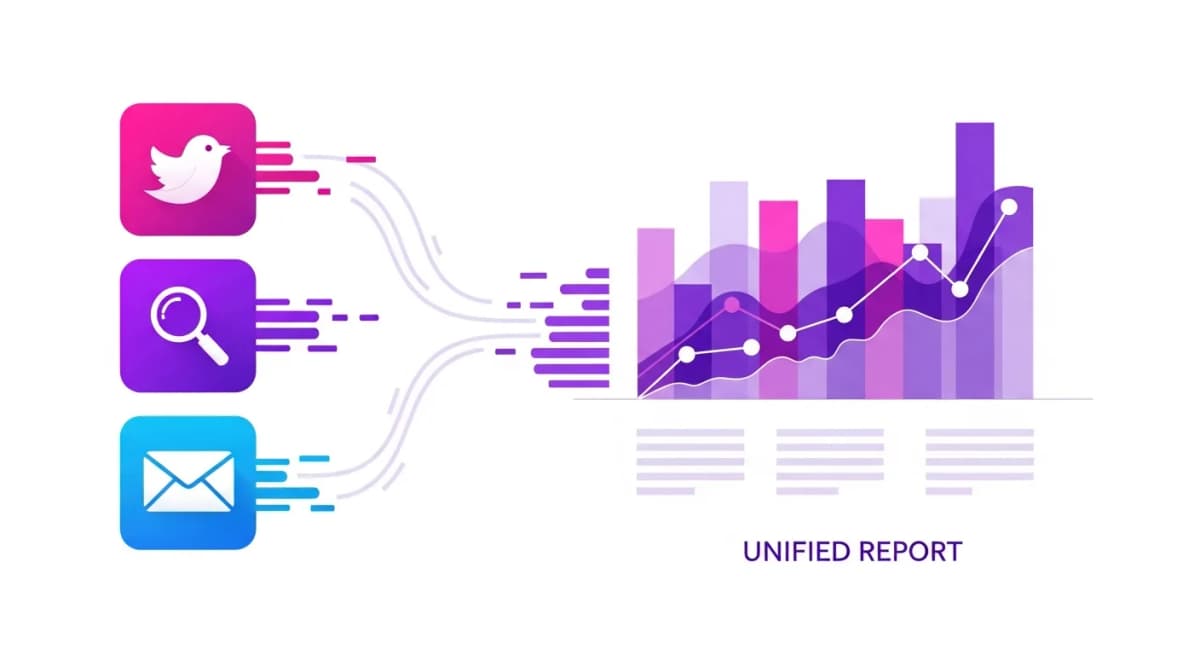
Data aggregation - Combining metrics across platforms into unified views. Total spend across Google and Meta. Leads from all sources. Conversion rates by channel.
Insight generation - AI-powered analysis that identifies trends, anomalies, and opportunities. Not just "what happened" but "why it matters."
Report formatting - Structured outputs with charts, comparisons, and executive summaries ready to share with stakeholders.
Scheduled delivery - Weekly and monthly reports generated and delivered automatically without any manual trigger.
Platform-by-Platform Automation
Here's what automated marketing reporting looks like across your key platforms:
Google Analytics (GA4) - Website traffic, user behaviour, conversion events, and audience segments pulled automatically into every report.
Meta Ads (Facebook & Instagram) - Campaign performance, ad spend, reach, engagement, and ROAS aggregated alongside your other channels.
Google Ads - Search and display campaign data, keyword performance, quality scores, and conversion tracking.
HubSpot - Lead generation, pipeline progression, email campaign performance, and marketing-to-sales handoff metrics.
Email marketing - Open rates, click rates, unsubscribe trends, and campaign comparisons from Mailchimp or your ESP.
With Alexia.ai, all of these data sources are connected once and available for any report, any time.
Stop reading about AI reporting. Start using it.
See how Alexia.ai automates the exact workflows covered in this article.
From Manual to Automated: A Before and After
Monday morning, the old way: 9:00 - Log into GA4, export last week's traffic data 9:20 - Log into Meta Ads, download campaign reports 9:40 - Pull HubSpot lead data and pipeline updates 10:00 - Open spreadsheet, combine all data, fix formatting 10:45 - Build charts, write commentary 11:30 - Format into slides or email 12:00 - Send to stakeholders
Monday morning, with Alexia.ai: 9:00 - "Create this week's marketing performance report" 9:01 - Review AI-generated report with cross-platform insights 9:05 - Share with team
That's 3 hours and 5 minutes saved every single week.
Getting Started with Marketing Reporting Automation
Start with the platforms that take the most time to report on. For most marketing teams, that's Google Analytics and your ad platforms. Connect them to Alexia.ai, generate your first automated report, and compare it to what you were building manually.
You'll notice three things immediately: it's faster, it's more comprehensive (because AI combines data you might not have thought to cross-reference), and it includes insights you would have missed.

About the Author
Simon Jones
Co-Founder, Teamified
Simon Jones is the co-founder and CTO of Teamified, bringing decades of experience in technology, system architecture, and business transformation. He oversees the technical direction of Alexia.ai, ensuring the platform delivers enterprise-grade automation and intelligence.
Connect on LinkedInAutomate your marketing reports
Connect GA4, Meta Ads, HubSpot, and more - get your first report in 30 seconds.