Key Takeaways
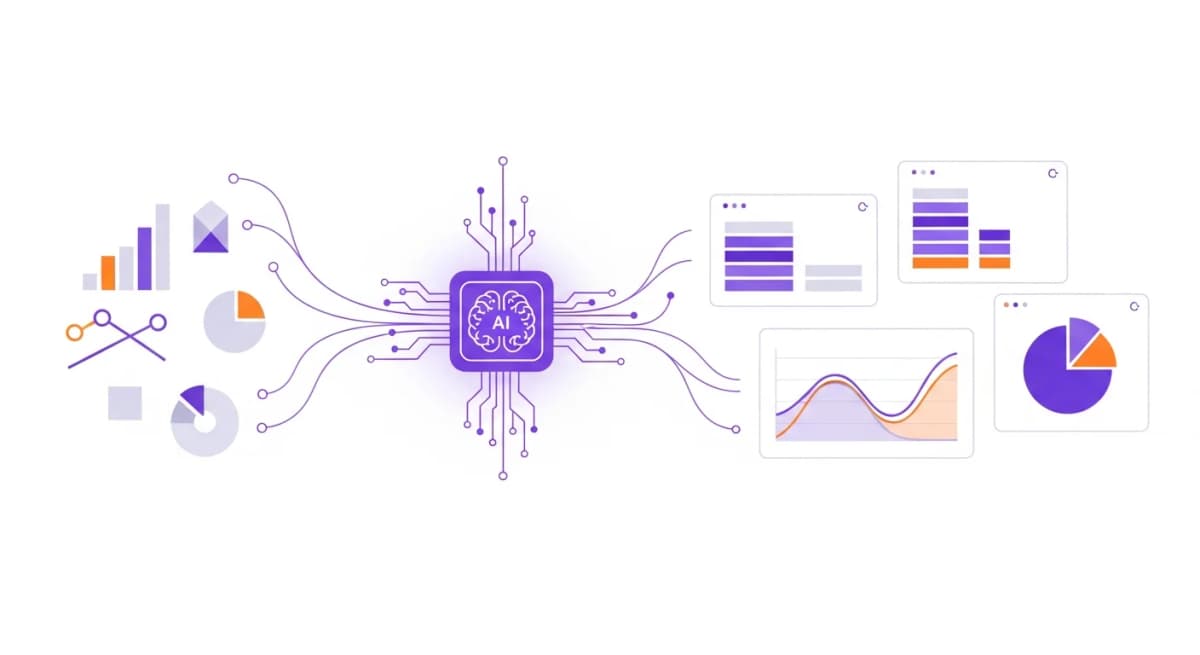
- GA4's interface is complex - AI tools simplify reporting by translating data into plain-language insights
- Automated GA4 reports can track custom events, conversions, and user journeys without manual setup
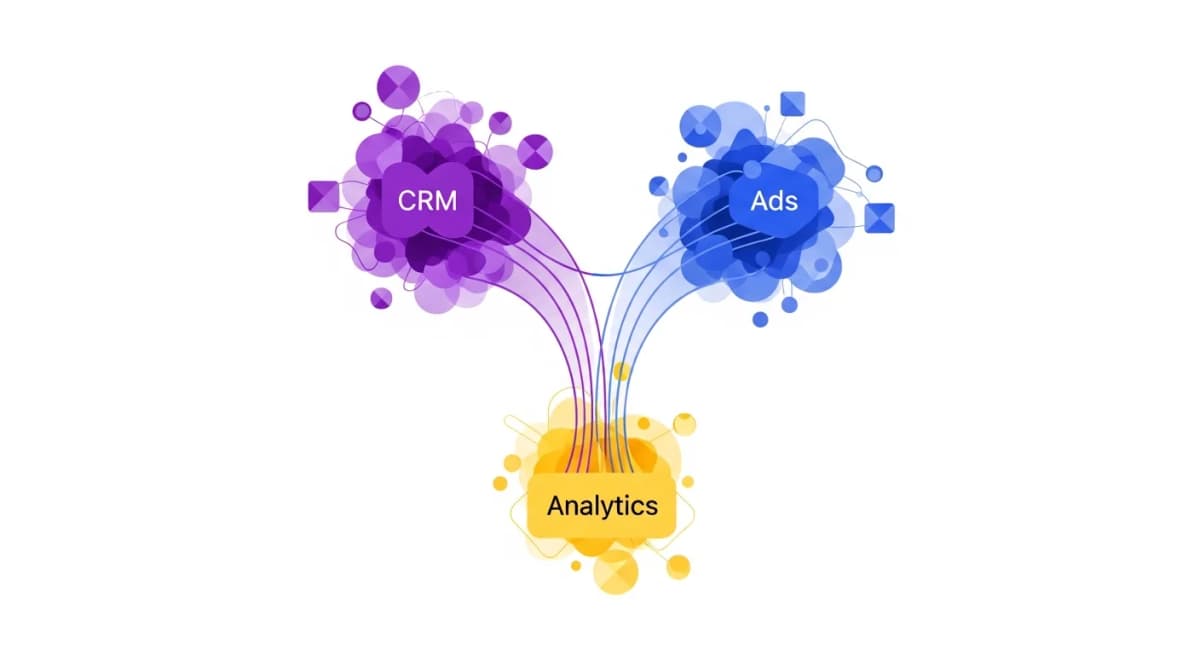
- Combining GA4 data with ad platform and CRM data gives a complete picture of marketing performance
- Scheduled GA4 reports ensure stakeholders always have fresh data without logging into the platform
The GA4 Reporting Problem
Google Analytics 4 is powerful, but it's not built for easy reporting. The interface is complex, data exploration requires technical knowledge, and getting the numbers you actually need often means navigating multiple reports, applying segments, and exporting to spreadsheets.
For marketing teams, this means someone spends 20-30 minutes every week just extracting GA4 data before they can even start building a report. Multiply that across monthly, quarterly, and ad-hoc reports, and GA4 data extraction alone can consume hours every month.
What GA4 Reporting Automation Looks Like
With AI-powered GA4 reporting automation, the process is completely different:
Before: Open GA4 → Navigate to reports → Apply date ranges and segments → Export data → Open spreadsheet → Format and chart → Write analysis
After: "Show me website performance for the last 7 days" → Review complete report with traffic, conversions, top pages, user behaviour, and trend analysis
The AI connects directly to your GA4 property and pulls the exact data you need based on your question. No navigation, no exports, no formatting.
Common GA4 Reports You Can Automate
Here are the GA4 reports that teams automate most frequently:
- Weekly traffic overview - Sessions, users, pageviews, bounce rate, and session duration with week-over-week comparisons - Conversion funnel analysis - Step-by-step conversion data showing where users drop off - Top pages report - Most-visited pages with engagement metrics and trends - Source/medium breakdown - Which channels are driving the most valuable traffic - Campaign performance - UTM-tagged campaign results with conversion attribution
With Alexia.ai, each of these is a single question away. And because Alexia.ai connects to your other tools too, you can combine GA4 data with CRM leads, ad spend, or revenue data in the same report.
Stop reading about AI reporting. Start using it.
See how Alexia.ai automates the exact workflows covered in this article.
GA4 + Your Other Marketing Tools
The real power of GA4 reporting automation comes when you combine it with your other marketing platforms. A report that shows website traffic alongside Meta Ad spend, Google Ads clicks, and HubSpot lead generation gives you a complete marketing picture that would take hours to build manually.
Alexia.ai makes this seamless. Ask "How did our marketing perform this week?" and you get GA4 data, ad platform data, and CRM data in one unified report. That's the kind of cross-platform insight that was previously only available to teams with dedicated analysts.
Stop Exporting, Start Asking
Every hour your marketing team spends exporting GA4 data is an hour they're not spending on strategy, creative, or optimisation. GA4 reporting automation with Alexia.ai means your analytics data is always accessible, always current, and always combined with the rest of your marketing stack.
Connect your GA4 property to Alexia.ai in under a minute and never export a spreadsheet again.

About the Author
Simon Jones
Co-Founder, Teamified
Simon Jones is the co-founder and CTO of Teamified, bringing decades of experience in technology, system architecture, and business transformation. He oversees the technical direction of Alexia.ai, ensuring the platform delivers enterprise-grade automation and intelligence.
Connect on LinkedInConnect GA4 to Alexia.ai
Automate your Google Analytics reporting and save hours every week.