
Key Takeaways
- Automated task management should handle admin work (tracking, reporting, reminders) not decision-making
- AI can auto-generate progress reports from project tools, eliminating manual status update meetings
- Smart task assignment considers workload, skills, and availability - not just random round-robin allocation
- The goal is to free humans for creative and strategic work, not to remove them from the workflow
The Task Management Paradox
Task management tools were supposed to make teams more productive. Instead, many teams spend more time managing tasks than doing them. Updating status fields, writing progress notes, attending standup meetings to share updates that could be read in a dashboard - the overhead adds up.
The solution isn't more task management software. It's automating the administrative overhead that task management creates.
What to Automate in Task Management
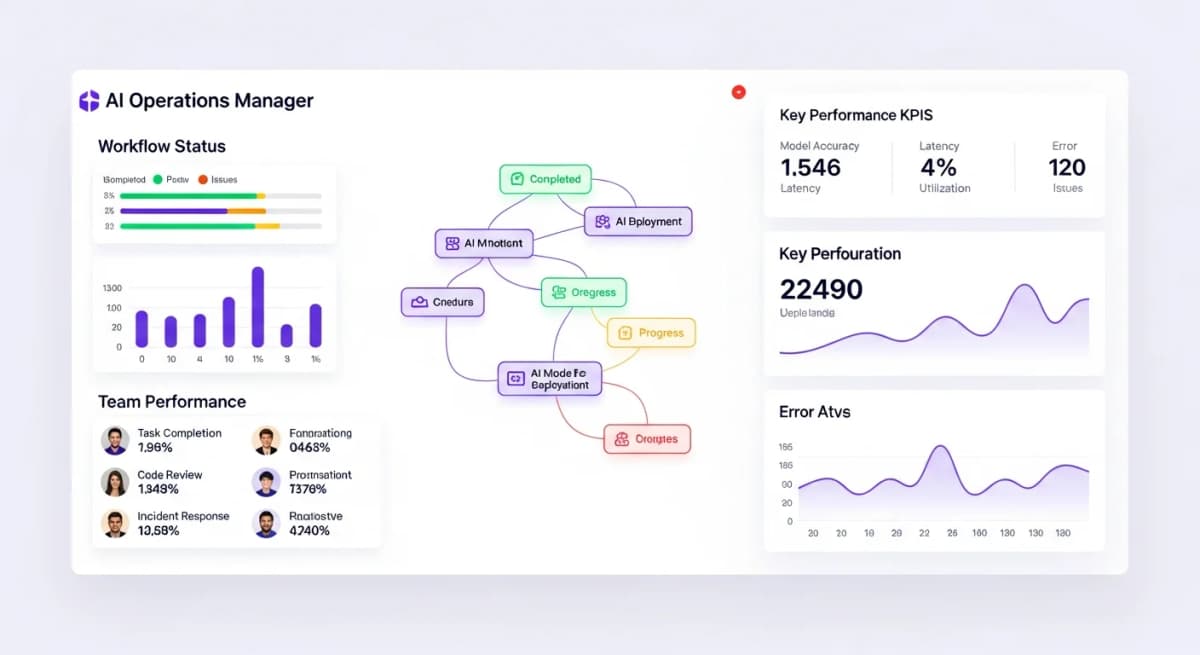
Status reporting - AI can pull task completion data from your project management tool and generate progress reports automatically. No more Monday morning status emails.
Progress tracking - Instead of asking team members for updates, AI monitors task status in real-time and flags delays automatically.
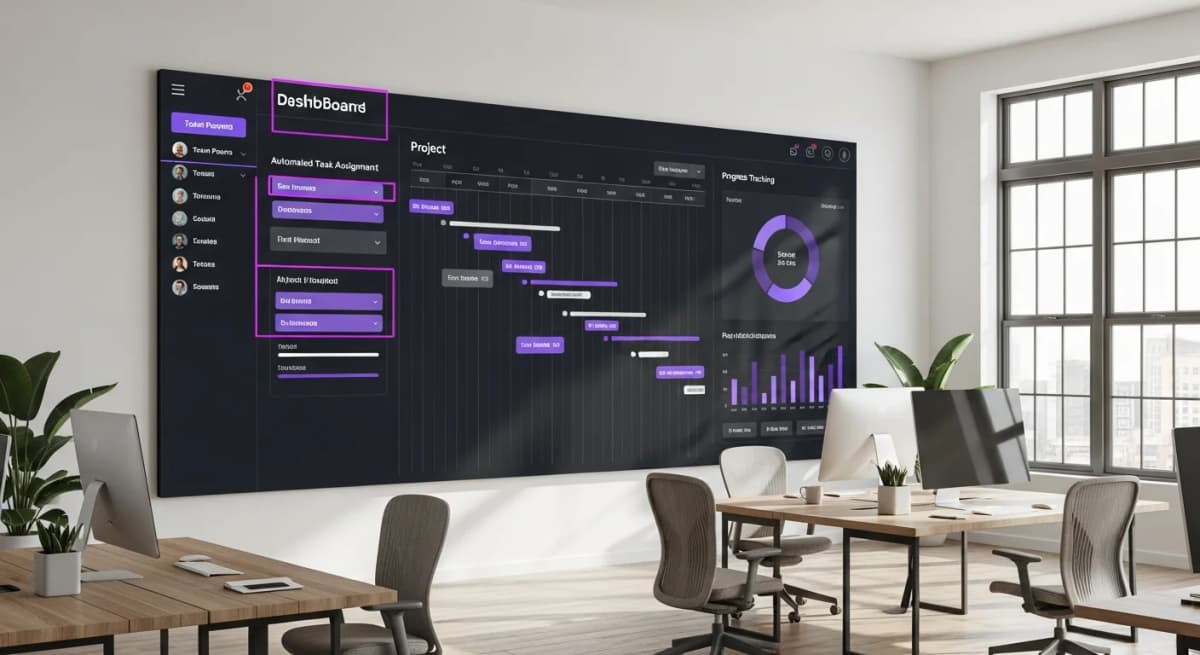
Task assignment - AI analyses team member workload, skills, and availability to suggest optimal task assignments.
Reminders and escalation - Automated reminders for approaching deadlines and automatic escalation when tasks are overdue.
Meeting prep - AI generates briefing documents with task status, blockers, and key decisions needed before any meeting.
What NOT to Automate
Not everything in task management should be automated. Keep humans in the loop for:
Priority decisions - Deciding which tasks matter most requires understanding business context, stakeholder needs, and strategic priorities. AI can inform these decisions but shouldn't make them.
Creative work allocation - Some tasks require specific skills or creative approaches. Automated assignment that treats all work as interchangeable leads to poor outcomes.
Conflict resolution - When resources are contested or timelines conflict, human negotiation and judgement are essential.
Team motivation - Understanding what motivates individual team members and assigning work accordingly is a human leadership skill.
Stop reading about AI reporting. Start using it.
See how Alexia.ai automates the exact workflows covered in this article.
AI-Powered Project Visibility
One of the most valuable applications of AI in task management is generating project visibility without anyone doing extra work.
Connect your project management tool to Alexia.ai, and ask:
"What's the status of Project X?" "Which tasks are behind schedule this week?" "What's our team's capacity for the next two weeks?" "Are there any blocked tasks I should know about?"
Alexia.ai generates answers from live project data - no one needs to update a spreadsheet, write a status email, or prepare a dashboard. The information is always current and always accessible.
Implementing Smart Task Automation
Start with the automation that saves the most time and requires the least change:
1. Automate status reporting - Connect your project tool to Alexia.ai and generate weekly status reports automatically 2. Set up delay alerts - Configure notifications for tasks that miss their deadlines 3. Eliminate manual standups - Replace daily standup meetings with AI-generated daily summaries 4. Add workload monitoring - Let AI flag when team members are over or under capacity
Each of these automations saves 2–5 hours per week and can be set up in minutes. The total impact compounds as you add more automations.

About the Author
Simon Jones
Co-Founder, Teamified
Simon Jones is the co-founder and CTO of Teamified, bringing decades of experience in technology, system architecture, and business transformation. He oversees the technical direction of Alexia.ai, ensuring the platform delivers enterprise-grade automation and intelligence.
Connect on LinkedInAutomate your task management
Get started free and see how Alexia.ai generates project insights from your existing tools.