Key Takeaways
- You can go from signup to your first AI-generated report in less than 5 minutes
- No technical skills, dashboard configuration, or developer support is needed
- Start with one integration and expand - each new connection enriches all your reports
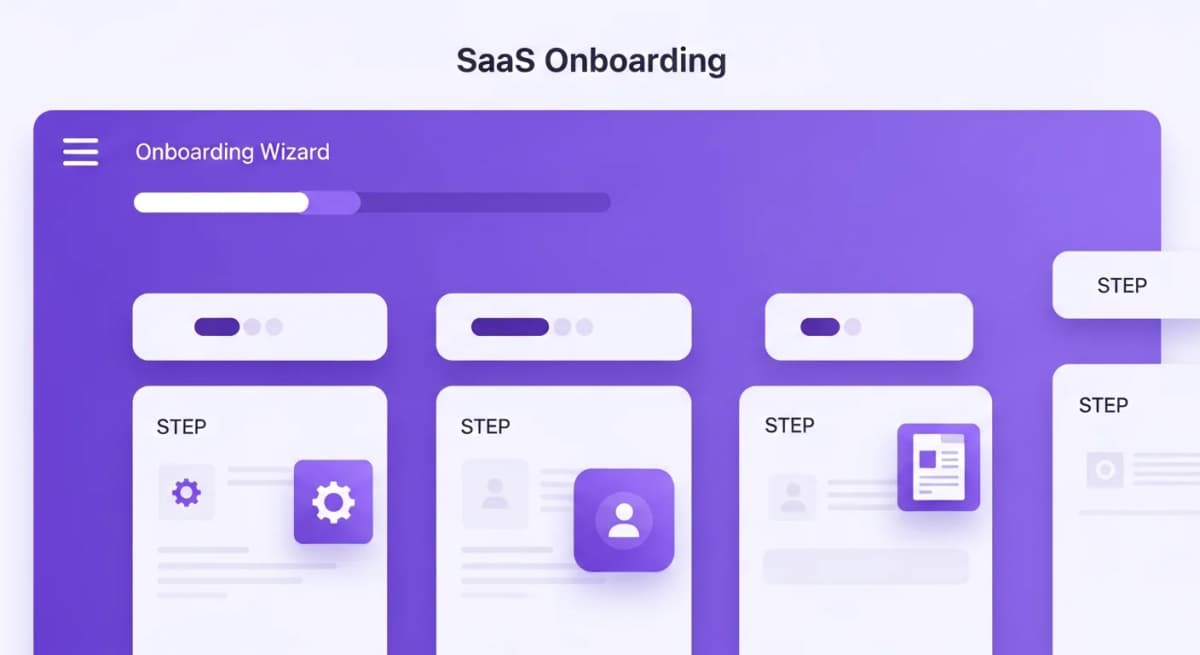
- Alexia.ai's onboarding tour walks you through every feature interactively
Sign Up and Create Your Account
Getting started with Alexia.ai takes about 2 minutes. Visit alexia.ai and click "Start Free." You'll fill in your basic details - name, email, and company information - and you're in.
No credit card is required to start. You get full access to all features on the Free plan so you can see exactly how Alexia.ai fits your workflow.
Connect Your First Integration
After signing up, Alexia.ai will guide you through connecting your first business tool. We recommend starting with the tool you report on most frequently:
For marketing teams - Start with Google Analytics or Meta Ads For sales teams - Start with HubSpot or Salesforce For finance teams - Start with Xero or QuickBooks For leadership - Start with your CRM to get pipeline visibility
Each integration connects via OAuth in under 60 seconds. No API keys, no developer needed.
Ask for Your First Report
Once your first integration is connected, head to the Alexia.ai chat interface and ask for a report. Be as natural as you like:
"Show me this month's website traffic summary" "What's our sales pipeline looking like?" "Give me a marketing performance report for the last 30 days"
Alexia.ai will generate a structured report with data, insights, and recommendations. It typically takes 10–30 seconds, depending on the complexity.
Set Up AI Assistants
Alexia.ai includes specialized AI assistants for each business function. Each one understands the metrics, terminology, and best practices for a specific domain.
You can activate assistants for Marketing, Sales, Finance, Operations, and more. Each provides domain-specific insights and can generate reports tailored to that department's needs.
Think of them as virtual team members who never sleep, never miss a metric, and always have the latest data.
Stop reading about AI reporting. Start using it.
See how Alexia.ai automates the exact workflows covered in this article.
Set Business Goals and Track Progress
One of Alexia.ai's most powerful features is goal tracking. Set quarterly or monthly targets - revenue goals, lead generation targets, conversion rate benchmarks - and Alexia.ai will proactively monitor your progress.
You'll receive alerts when targets are at risk and regular updates on how you're tracking. No more end-of-quarter surprises.
Expand Your Setup Over Time
Alexia.ai gets more valuable with every integration you add. After your first tool, connect additional platforms to unlock cross-functional reporting.
A marketing report that combines GA4, HubSpot, and Xero data is exponentially more valuable than three separate reports. Alexia.ai handles the complexity - you just ask questions.

About the Author
Simon Lee
Co-Founder, Teamified
Simon Lee is the co-founder and CEO of Teamified, with deep expertise in cloud architecture, fintech, and SaaS platforms. He leads the vision behind Alexia.ai, designing AI-powered solutions that drive operational efficiency and business growth across global teams.
Connect on LinkedInStart your setup now
Sign up for free and have your first AI-generated report in less than 5 minutes.