Key Takeaways
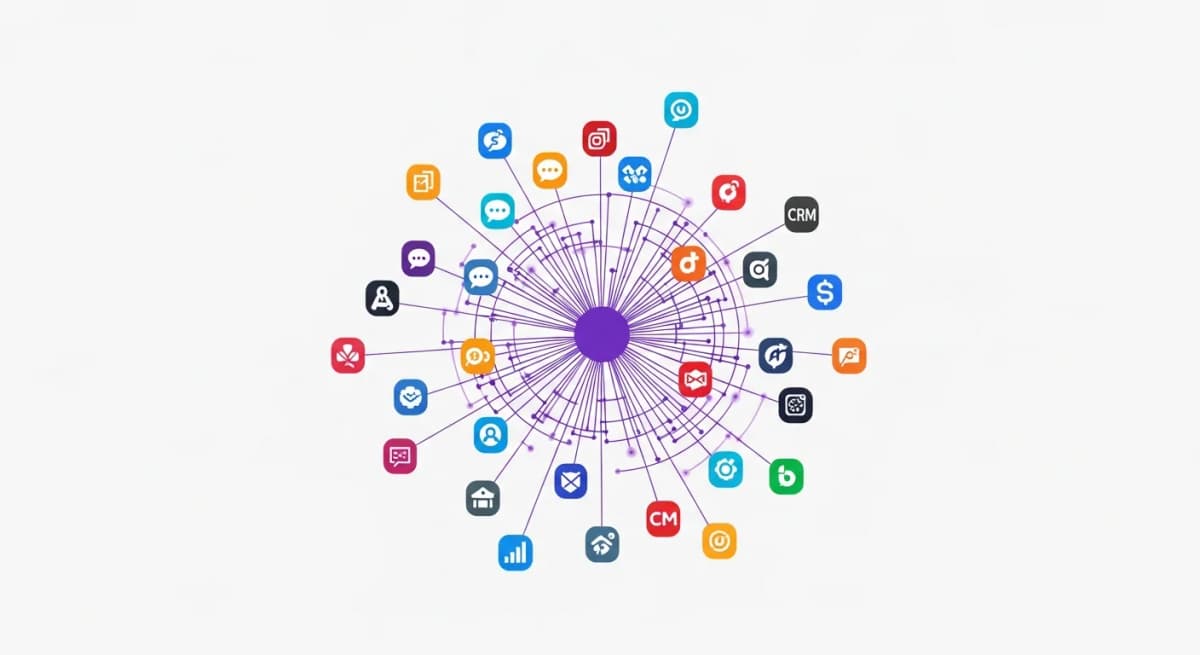
- Alexia.ai supports 180+ integrations including Google Analytics, HubSpot, Xero, Salesforce, Meta Ads, and Google Workspace
- Most integrations connect in under 60 seconds with OAuth - no API keys or technical setup required
- Each new integration immediately enriches all future reports with cross-platform data
- Alexia.ai's AI automatically understands relationships between data from different platforms
Why Integrations Matter for AI Reporting
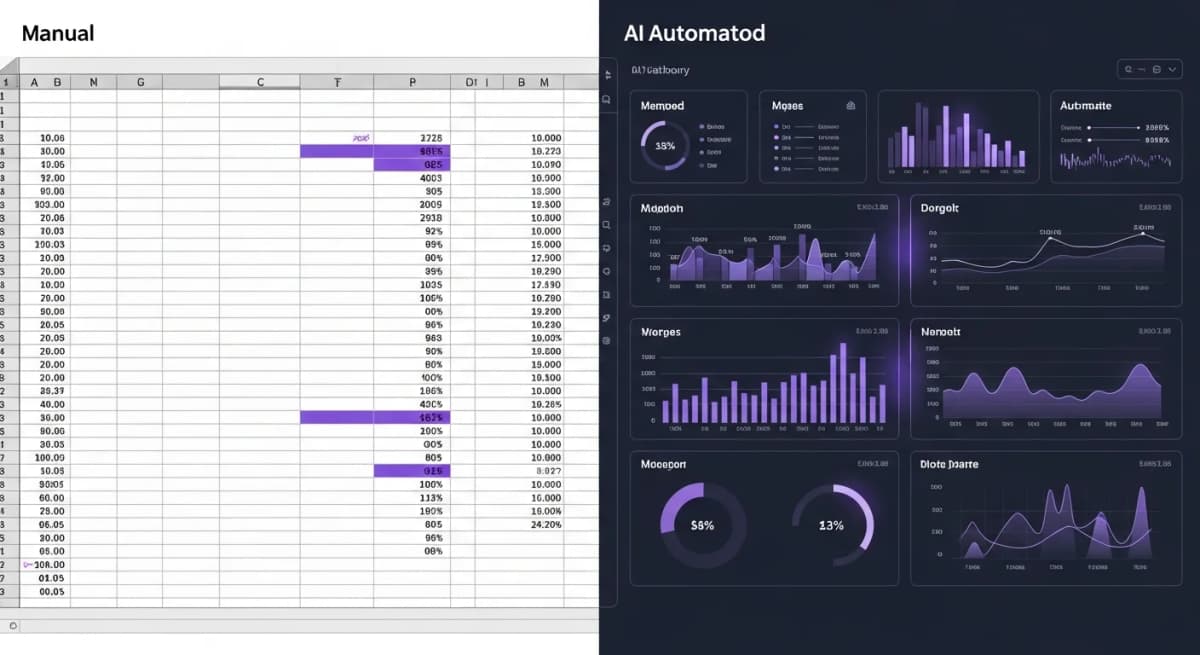
The value of AI reporting multiplies with every data source you connect. A marketing report from Google Analytics alone is useful. But a marketing report that combines GA4 data with HubSpot conversions, Meta Ads spend, and Xero revenue data tells the complete story.
Alexia.ai was designed from the ground up to make these connections effortless. No API keys, no webhooks, no developer needed.
Supported Integrations
Alexia.ai connects to the tools modern businesses actually use:
Analytics & Ads - Google Analytics (GA4), Meta Ads, Google Ads, LinkedIn Ads
CRM & Sales - HubSpot, Salesforce
Finance & Accounting - Xero, QuickBooks
Workspace & Productivity - Google Workspace (Gmail, Calendar, Drive, Sheets)
Communication - Slack, Microsoft Teams
Project Management - Asana, Monday.com, Jira
New integrations are added regularly based on customer requests.
How to Connect Your First Integration
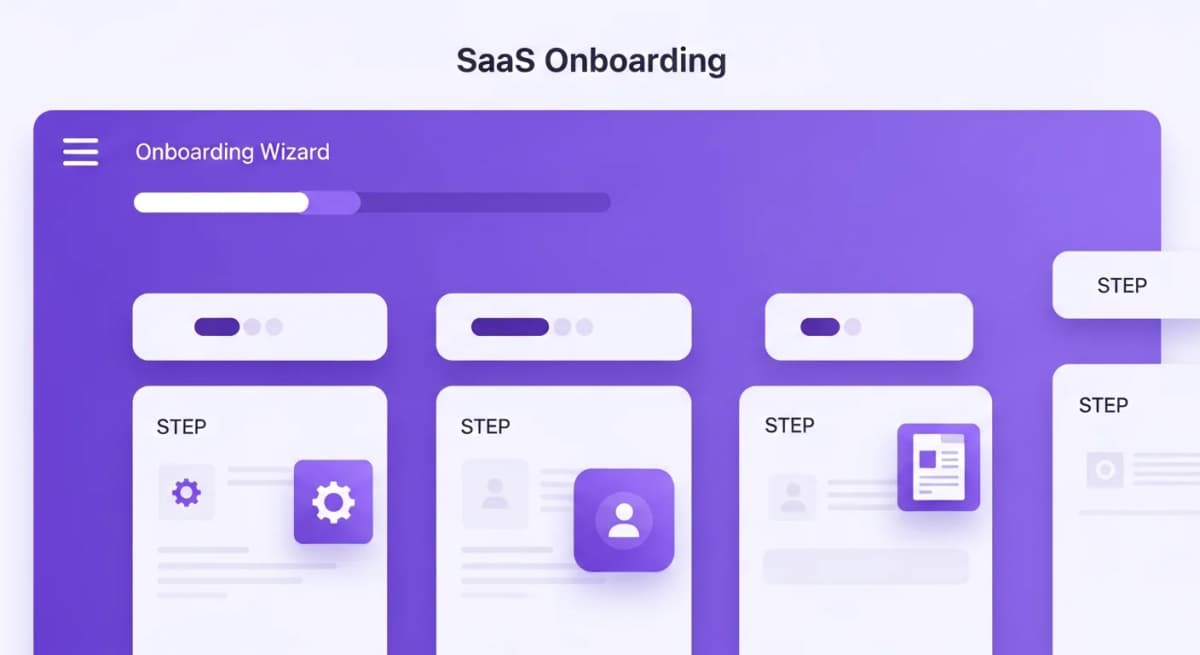
Connecting a tool to Alexia.ai takes three steps:
Step 1: Choose your tool - From the Alexia.ai dashboard, navigate to Integrations and select the tool you want to connect.
Step 2: Authenticate - Click "Connect" and authorise Alexia.ai through your tool's standard login. This uses OAuth, the same secure method used by Google and Microsoft.
Step 3: Start asking - That's it. Alexia.ai immediately has access to your data. Ask your first question and watch the magic happen.
Most integrations connect in under 60 seconds. There's no configuration, no field mapping, and no data modelling required.
Stop reading about AI reporting. Start using it.
See how Alexia.ai automates the exact workflows covered in this article.
How Alexia.ai Uses Connected Data
Once connected, Alexia.ai doesn't just passively store your data. It actively understands relationships between platforms.
When you ask for a marketing performance report, Alexia.ai knows to pull website traffic from GA4, lead conversions from HubSpot, ad spend from Meta Ads, and revenue from Xero. It then calculates metrics like cost per acquisition and marketing ROI that no single platform can provide on its own.
The more tools you connect, the smarter Alexia.ai's reports become.
Security and Data Privacy
Every integration uses encrypted connections (TLS 1.3), and Alexia.ai never stores raw data from your connected tools. Data is processed in real-time to generate reports and then handled according to enterprise-grade security standards. Alexia.ai has ISO 27001 certification in progress (expected in 2026) and SOC 2 Type II compliance in progress (expected in 2026).
You can disconnect any integration at any time, and Alexia.ai immediately loses access to that data source. Full control stays with you.

About the Author
Simon Lee
Co-Founder, Teamified
Simon Lee is the co-founder and CEO of Teamified, with deep expertise in cloud architecture, fintech, and SaaS platforms. He leads the vision behind Alexia.ai, designing AI-powered solutions that drive operational efficiency and business growth across global teams.
Connect on LinkedInConnect your tools in minutes
Get started free and connect Google Analytics, HubSpot, Xero, and more to Alexia.ai.