Key Takeaways
- Tableau costs $70+/user/month and requires trained analysts - Alexia.ai is accessible to everyone on the team
- Alexia.ai delivers business intelligence through conversation, not through complex visualisation building
- Teams without dedicated data analysts get more value from AI-powered reporting than traditional BI tools
- Alexia.ai connects to business tools directly - no data warehouse or ETL pipeline required
The Tableau Problem for Most Businesses
Tableau is undeniably powerful. It's also undeniably complex, expensive, and inaccessible to most business users.
At $70+ per user per month (Creator licence), Tableau requires a significant investment. But the real cost isn't the licence - it's the expertise required. Building effective Tableau dashboards requires training, data modelling knowledge, and often a dedicated analyst.
For businesses without a data team, Tableau creates a bottleneck: the tool is there, but nobody knows how to use it effectively.
Tableau vs Alexia.ai: Different Approaches to BI
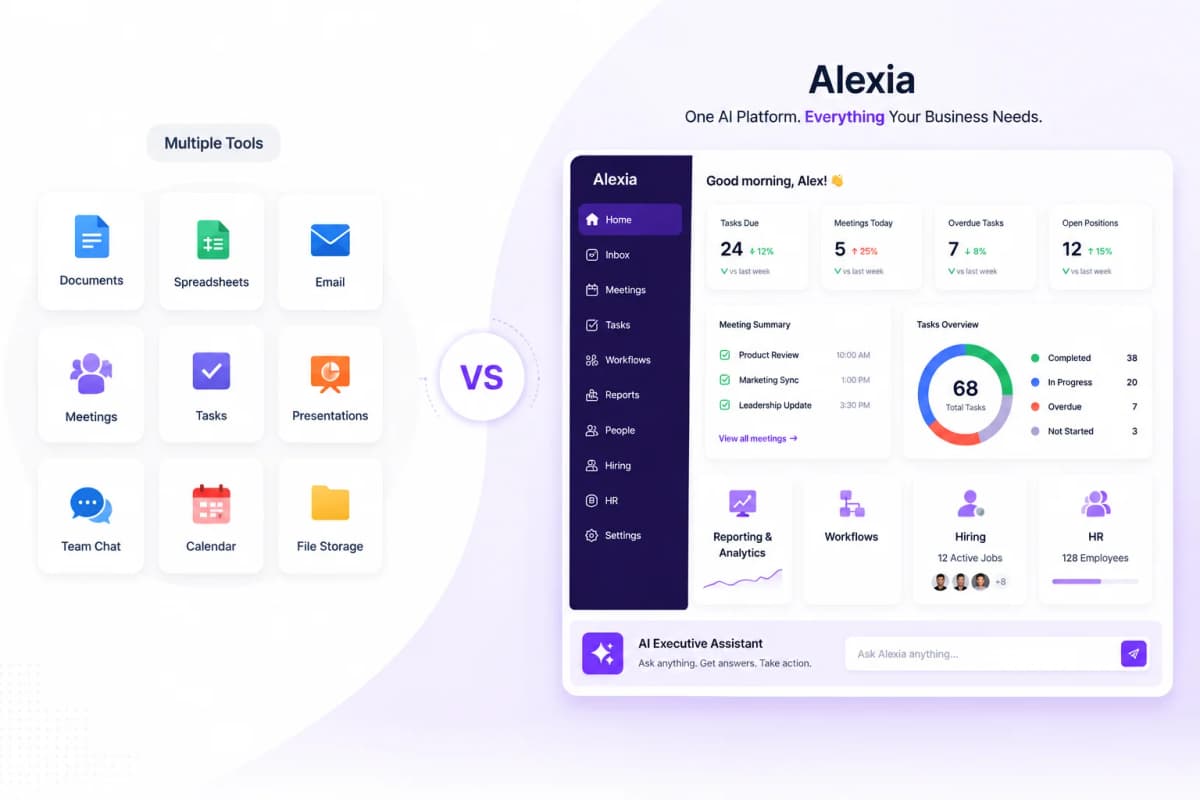
Approach - Tableau: build visualisations from structured data. Alexia.ai: ask questions in natural language and get AI-generated reports.
Data preparation - Tableau: requires clean, structured data from a warehouse or database. Alexia.ai: connects directly to business platforms via API.
Skills required - Tableau: data modelling, calculated fields, dashboard design. Alexia.ai: the ability to ask a question.
Time to value - Tableau: weeks to months (data prep + dashboard building). Alexia.ai: minutes (connect tools + ask questions).
Cost - Tableau: $70+/user/month plus data infrastructure costs. Alexia.ai: fraction of Tableau's cost with broader team access.
Maintenance - Tableau: ongoing dashboard updates and data pipeline monitoring. Alexia.ai: automatic, zero maintenance.
When Alexia.ai Is the Better Choice
You don't have a data team - If nobody on your team builds Tableau dashboards, you're paying for a tool you can't fully use. Alexia.ai works for everyone.
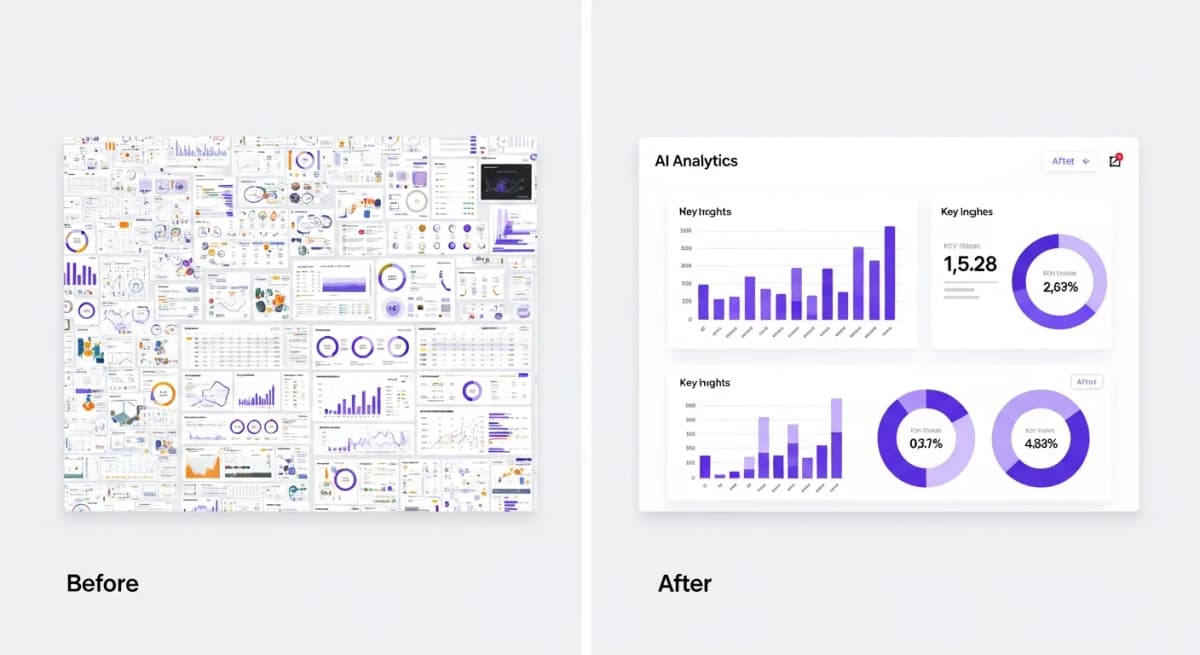
You need answers, not visualisations - If your goal is understanding business performance rather than building interactive data art, Alexia.ai delivers faster.
Your data lives in SaaS tools - If your data is in Google Analytics, HubSpot, Xero, and Salesforce (not a data warehouse), Alexia.ai connects directly without ETL.
Speed matters - If waiting weeks for a new dashboard isn't acceptable, Alexia.ai's instant reports are the answer.
Budget is a concern - If Tableau's per-user pricing puts BI out of reach for most of your team, Alexia.ai democratises access.
Stop reading about AI reporting. Start using it.
See how Alexia.ai automates the exact workflows covered in this article.
When to Keep Tableau
To be fair, Tableau remains the better choice in specific scenarios:
- You have dedicated data analysts who are proficient in Tableau - You need complex, interactive visualisations for data exploration - Your data lives in a data warehouse and requires advanced modelling - You're building embedded analytics for a product
For everyone else - especially business teams that need reporting, KPI tracking, and cross-functional insights - Alexia.ai delivers more practical value at a fraction of the cost and complexity.
Switching from Tableau to Alexia.ai
If your Tableau deployment is underutilised (a common reality), switching to Alexia.ai is straightforward:
1. Connect the same data sources to Alexia.ai via OAuth 2. Ask Alexia.ai for the reports your Tableau dashboards were supposed to provide 3. Compare the time, cost, and team accessibility
Most teams discover that Alexia.ai provides 90% of the business value at 10% of the cost and complexity. The remaining 10% - complex interactive visualisations - typically wasn't being used anyway.

About the Author
Simon Lee
Co-Founder, Teamified
Simon Lee is the co-founder and CEO of Teamified, with deep expertise in cloud architecture, fintech, and SaaS platforms. He leads the vision behind Alexia.ai, designing AI-powered solutions that drive operational efficiency and business growth across global teams.
Connect on LinkedInGet BI without the complexity
Get started free and experience business intelligence that everyone on your team can use.