Key Takeaways
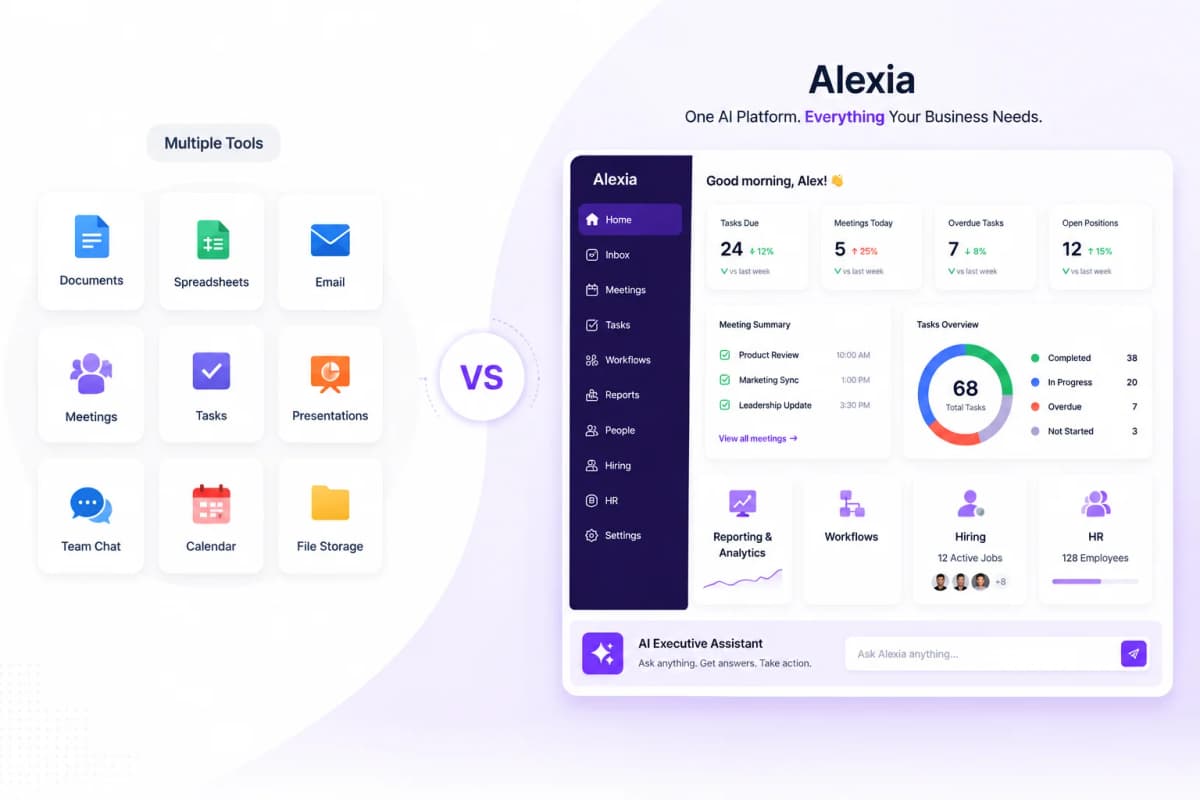
- Databox displays KPIs on dashboards - Alexia.ai analyses KPIs and tells you what they mean and what to do
- Alexia.ai's goal tracking goes beyond Databox with proactive alerts and AI-recommended corrective actions
- Cross-platform intelligence means Alexia.ai finds insights that span multiple tools, not just per-platform metrics
- Teams using Alexia.ai replace both their Databox subscription and 10+ hours of manual analysis per week
What Databox Does Well - And Where It Falls Short
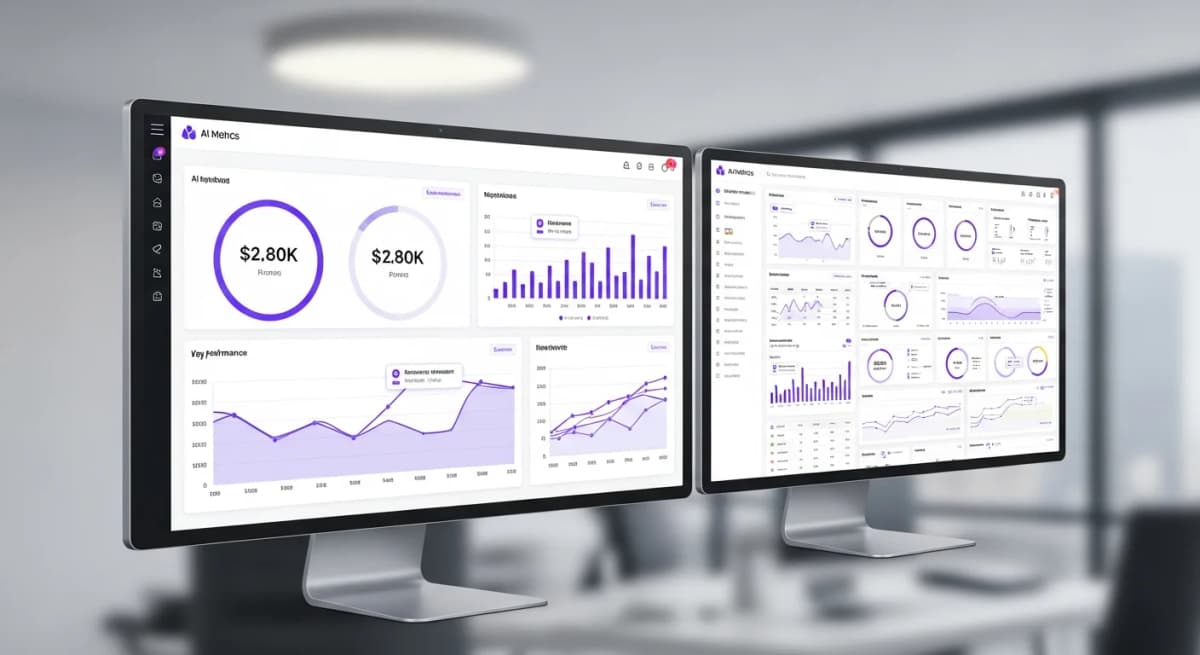
Databox is a solid KPI dashboard tool. It connects to popular platforms, displays metrics in clean visualisations, and makes it easy to build scorecards.
But Databox has a fundamental limitation: it shows you numbers without telling you what they mean. You see that website traffic dropped 15% this week, but Databox doesn't tell you why, which channels were affected, or what you should do about it.
For teams that just need a wall display of current metrics, Databox works fine. For teams that need intelligence, it's not enough.
Databox vs Alexia.ai: The Intelligence Gap
KPI display - Databox shows metrics on a dashboard. Alexia.ai analyses metrics, identifies trends, and explains significance.
Alerts - Databox can notify you when a metric crosses a threshold. Alexia.ai explains why the metric changed and recommends corrective action.
Reporting - Databox generates basic metric summaries. Alexia.ai generates comprehensive reports with cross-platform analysis and insights.
Goal tracking - Databox tracks progress toward goals. Alexia.ai tracks progress, predicts whether you'll hit the goal, and suggests actions to improve your trajectory.
Ad-hoc questions - Databox shows pre-configured metrics. Alexia.ai answers any question about your business data.
Why Alexia.ai Replaces Databox Plus Manual Analysis
Most Databox users have a two-step process: check the dashboard, then manually analyse the data to understand what's happening and decide what to do.
Alexia.ai collapses this into one step. When you ask about your KPIs, you get the numbers AND the analysis AND the recommendations. The manual analysis step disappears entirely.
This is particularly valuable for marketing teams and agencies who currently use Databox for client KPI monitoring but still spend hours writing commentary and recommendations.
Stop reading about AI reporting. Start using it.
See how Alexia.ai automates the exact workflows covered in this article.
Switching from Databox to Alexia.ai
Connect the same platforms you use with Databox to Alexia.ai. Ask about the KPIs you currently track. Compare the depth of insight.
What you'll find: Alexia.ai provides everything Databox does (current metrics, trends, goal tracking) plus everything Databox can't (analysis, recommendations, ad-hoc questions, cross-platform insights).
The switch takes minutes and the value difference is immediately obvious.

About the Author
Simon Lee
Co-Founder, Teamified
Simon Lee is the co-founder and CEO of Teamified, with deep expertise in cloud architecture, fintech, and SaaS platforms. He leads the vision behind Alexia.ai, designing AI-powered solutions that drive operational efficiency and business growth across global teams.
Connect on LinkedInUpgrade from dashboards to intelligence
Get started free and experience KPI tracking with AI-powered insights.