Key Takeaways
- The best video conferencing tools in 2026 integrate directly with your work context - meetings connected to projects, not isolated events.
- Standalone video tools like Zoom cost $13-$22/user/month; built-in alternatives like Alexia.ai Team Connect eliminate the separate expense.
- AI-powered features like auto-transcription, meeting summaries, and action item extraction are now standard in top platforms.
- Companies spend an average of $7,000-$15,000/year on video conferencing alone - consolidation saves significant budget.
Video Conferencing in 2026: Beyond Basic Calls
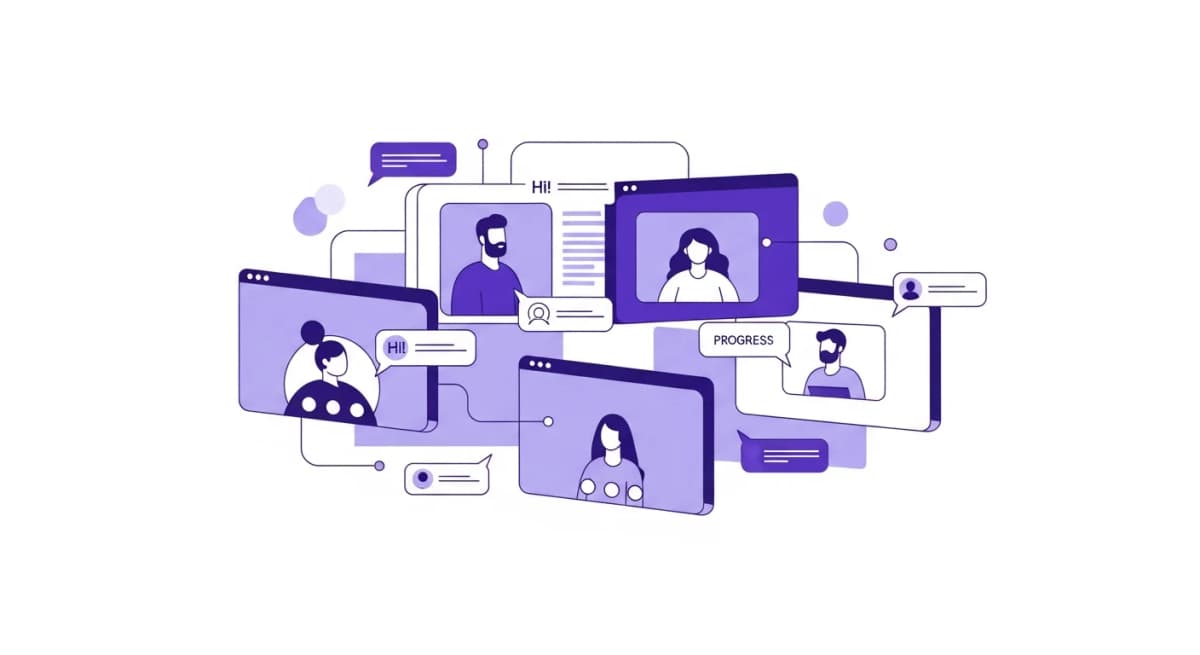
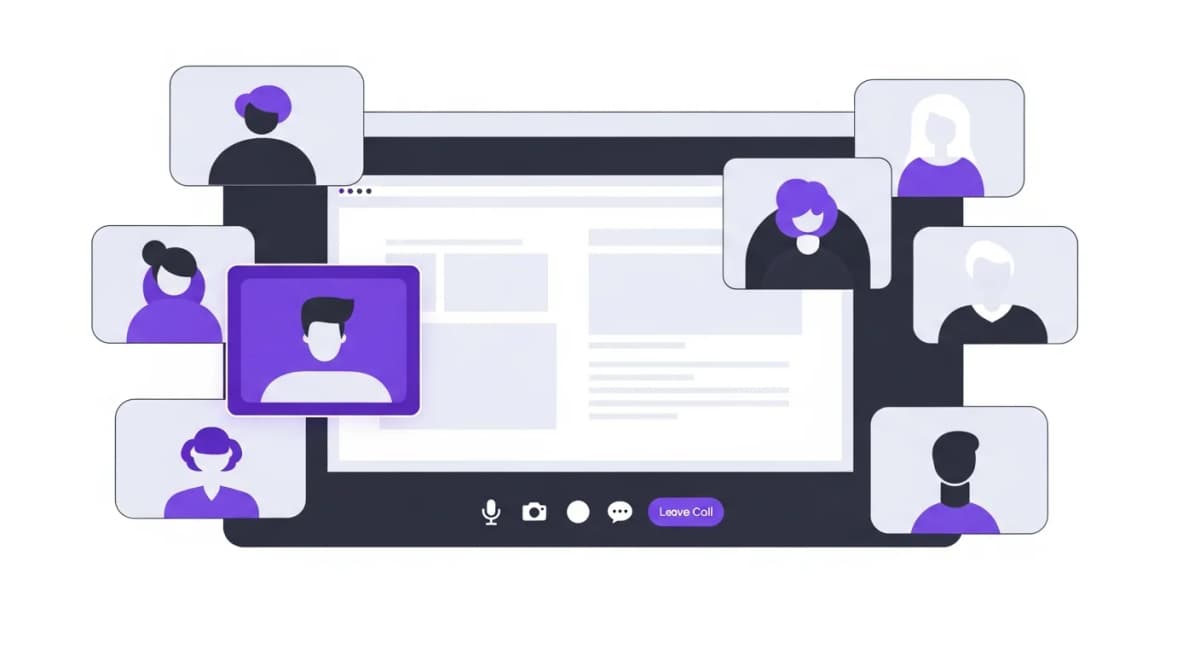
Video conferencing has evolved far beyond screen-sharing and webcam feeds. In 2026, the best video tools include AI-powered transcription, automatic meeting summaries, action item extraction, real-time translation, and intelligent noise cancellation.
But the biggest shift isn't about features - it's about integration. The most productive teams aren't using standalone video tools. They're using video that's embedded in their work platform, where meeting context is automatically connected to projects, decisions, and follow-up actions.
Top Video Conferencing Platforms
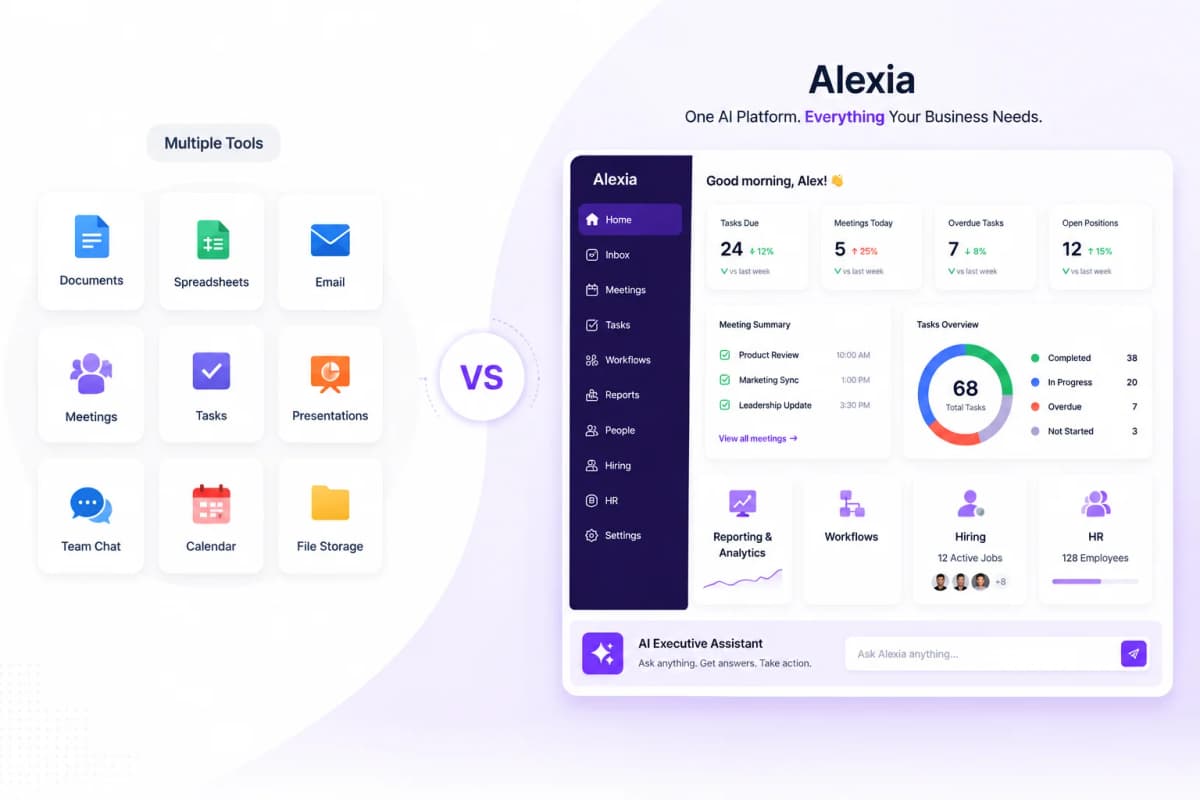
Alexia.ai Team Connect includes video conferencing built into the operating platform. Meetings are automatically connected to team channels, HR records, and business operations. No separate subscription, no app switching, no integration maintenance.
Zoom remains the most widely recognised video platform with excellent call quality, large meeting support (up to 1,000 participants), and a mature ecosystem. Pricing ranges from $13-$22/user/month for business plans.
Google Meet is included with Google Workspace and offers clean, reliable video conferencing with strong integration into Google Calendar and Docs. Microsoft Teams bundles video with Office 365 for Microsoft-centric organisations.
Built-In vs Standalone Video
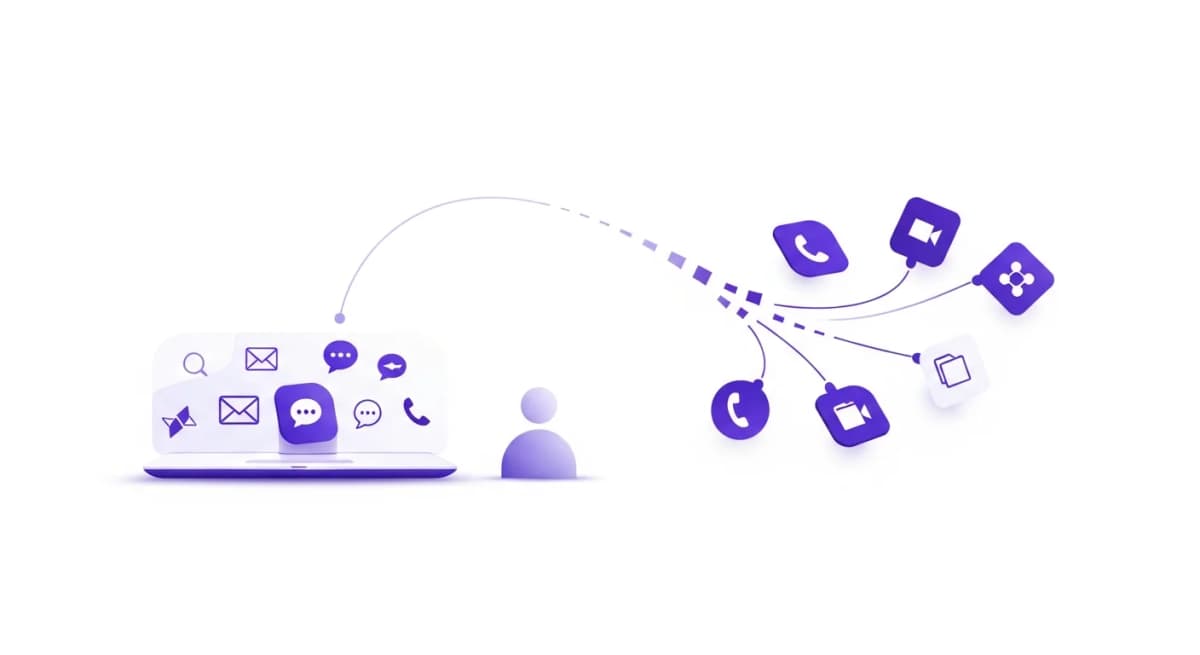
The core question is whether your video tool should be standalone or built into your work platform. Standalone tools like Zoom are feature-rich but exist in isolation. You schedule a Zoom call, join from a separate app, take notes in a different tool, and assign follow-ups in yet another system.
Built-in video - like Alexia.ai Team Connect - keeps everything connected. Start a video call from a team channel. Meeting notes are automatically linked to the channel's context. Action items flow into your task management. Recordings are accessible alongside related conversations.
The productivity difference compounds over time. If your team averages 10 meetings per day, eliminating even 5 minutes of context-switching per meeting saves over 200 hours per year across the organisation.
Stop reading about AI reporting. Start using it.
See how Alexia.ai automates the exact workflows covered in this article.
AI-Powered Meeting Features
The most valuable video conferencing advancement is AI meeting assistance. The best platforms now offer automatic transcription with speaker identification, AI-generated meeting summaries that capture key decisions and action items, and smart search across all your meeting recordings.
Alexia.ai's AI goes further by connecting meeting content to your business data. When a recruitment discussion mentions a candidate, the AI can pull up their profile. When a team discusses goals, real-time progress data is surfaced. This contextual AI transforms meetings from isolated events into connected decision-making sessions.
Look for platforms that use AI to reduce meeting overhead, not just record meetings. Auto-generated summaries and action items mean attendees can focus on the conversation instead of taking notes.
Cost Comparison and Recommendations
For a 50-person team, standalone video conferencing costs approximately:
Zoom Business: $7,800/year ($13/user/month) Zoom Business Plus: $13,200/year ($22/user/month) Google Meet (via Workspace): Included with $7,200/year Workspace subscription Microsoft Teams: Included with $7,500-$15,000/year Microsoft 365 subscription Alexia.ai Team Connect: Included with platform subscription
But remember - Zoom and Google Meet don't include HR management or recruitment. Microsoft Teams doesn't include HR either. Only Alexia.ai includes video alongside HRIS, ATS, and full team collaboration.
Recommendation: If you're evaluating your collaboration stack holistically, choose a platform that includes video alongside your other essential tools. The savings from consolidation typically exceed $10,000-$20,000 per year for mid-sized companies.

About the Author
Simon Jones
Co-Founder, Teamified
Simon Jones is the co-founder and CTO of Teamified, bringing decades of experience in technology, system architecture, and business transformation. He oversees the technical direction of Alexia.ai, ensuring the platform delivers enterprise-grade automation and intelligence.
Connect on LinkedInTry Alexia.ai Team Connect
Built-in video conferencing with AI - no separate subscription. See the full Launch Offer.